The right equipment information—directly from the asset.
A smart equipment access and workflow solution that connects field personnel instantly to the right equipment information, service history, parts, procedures and support actions.
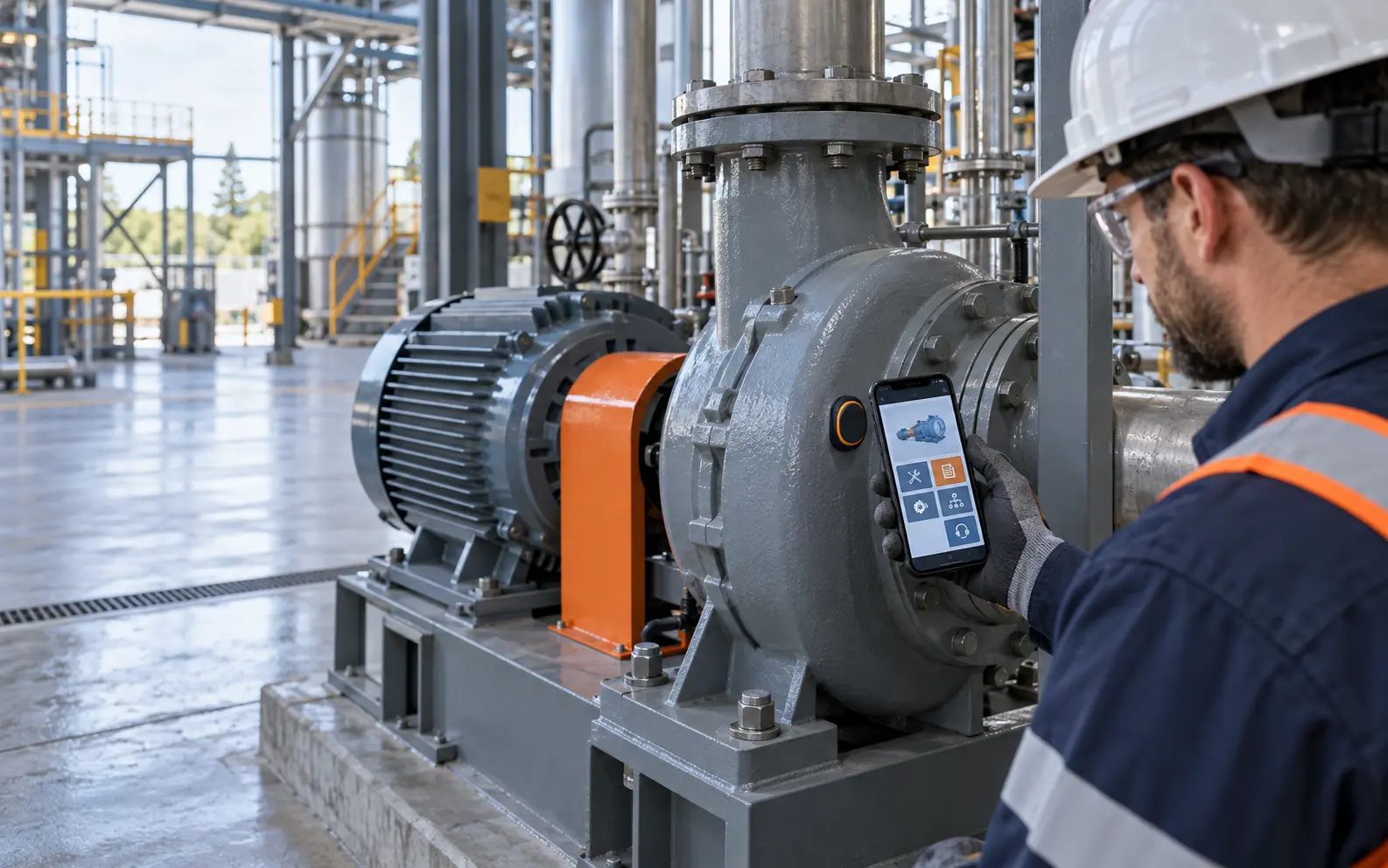
The technician is at the equipment. The information is somewhere else.
Manuals may be in a shared drive. Service records may live in a spreadsheet. Parts information may require a phone call. Procedures may be printed, outdated or difficult to locate. The smart tag creates one direct access point at the asset.
With a tap from a smartphone, authorized field personnel reach a mobile equipment page organized around the work they need to perform.
Tap. Identify. Act.
The tag does more than open a file. It connects the physical asset to a controlled equipment record and the actions surrounding it.
Tap the tag
The phone reads the NFC tag mounted directly on the equipment.
Identify the asset
The solution opens the correct equipment record without searching.
Find the information
Access manuals, schematics, history, safety and procedures.
Take action
Submit a report, request a part or contact the right support channel.
Improve the record
Capture field activity and keep the asset history useful over time.
Built around the work at the asset.
The mobile experience can be configured for the equipment owner, service organization, vendor and field workforce.
Model, serial number, specifications, location and asset ownership.
Current operating documents, drawings and technical references.
Prior work, observations, maintenance dates and technician notes.
Asset-specific part lists, supporting details and request actions.
Approved safety information, training and maintenance steps.
Submit an issue, request assistance or begin the appropriate RFQ path.
Useful in the field. Visible to the organization.
The technician-facing page is one part of the solution. Administrative and vendor portals can manage equipment records, documents, parts, access and field activity across many assets.
Field access
Fast, mobile information and actions at the equipment.
Asset records
Controlled documents, mappings and maintenance history.
Support workflow
Reports, parts requests and service escalation.
Portfolio view
Visibility across equipment, locations and activity.
What would your field personnel need at the asset?
We can map the equipment information, user roles and support actions that matter most.